
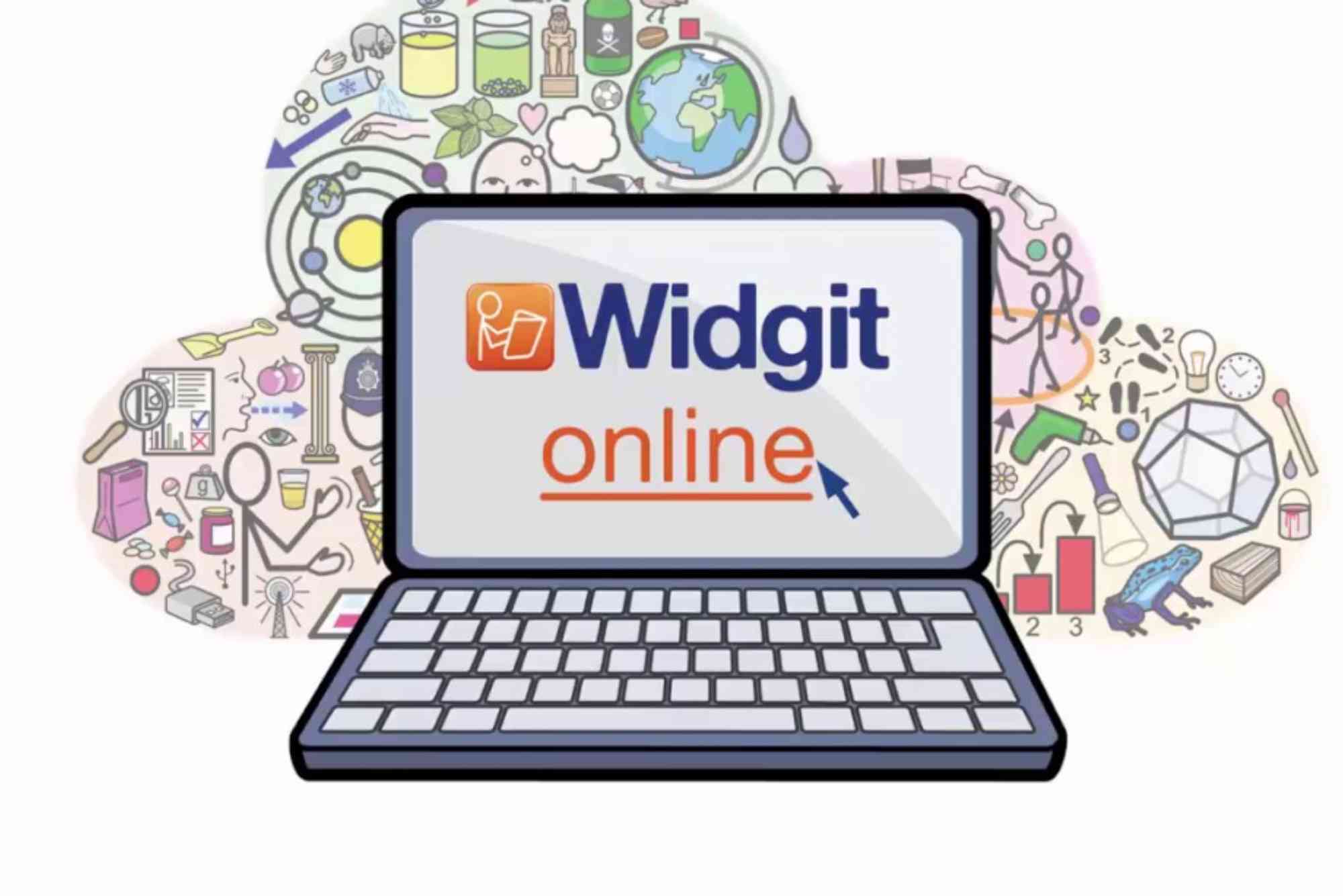
Widgit Software: Making Communication Easier for Everyone
Communication is a fundamental part of our lives. Yet, for many people—whether due to learning difficulties, disabilities, or language barriers—expressing thoughts clearly can be a challenge. This is where Widgit Software steps in, transforming how individuals communicate by using powerful, user-friendly tools designed to make communication easier for everyone.
In this article, we’ll explore what Widgit Software is, how it supports communication, and why it’s a game-changer for educators, therapists, and individuals alike. Whether you’re a parent, teacher, speech therapist, or someone seeking better ways to communicate, understanding Widgit’s capabilities can open up new possibilities.
What is Widgit Software?
Widgit Software is a suite of communication tools built around symbols and visual support. Developed by Widgit, a company specializing in accessible communication solutions, the software uses carefully designed symbols to represent words and concepts. These symbols help users understand and express ideas more effectively, especially when words alone aren’t enough.
The software’s core strength lies in its ability to combine text and pictures seamlessly. This approach supports people with various communication needs, including those with autism, dyslexia, aphasia, or English as a second language.
How Does Widgit Software Work?
At the heart of Widgit Software is the Widgit Symbols set—over 14,000 clear, simple icons representing everyday words and concepts. The software allows users to create symbol-supported documents, schedules, social stories, and communication boards. By pairing symbols with text, it bridges language gaps and reduces the cognitive load of reading or expressing complex ideas.
Widgit’s programs often include customizable templates. This means users can tailor materials to fit personal needs, whether creating a visual timetable for a child or preparing easy-to-read instructions for a group.

The software is designed to be intuitive. Dragging and dropping symbols, adding text, and adjusting layouts can be done quickly, even by users with limited technical experience. This ease of use makes Widgit Software accessible to schools, clinics, and homes worldwide.
Key Features of Widgit Software
Symbol Support for Clear Communication
The Widgit Symbols library is meticulously designed to be instantly recognizable. Unlike photographs or complex images, these symbols are straightforward, reducing ambiguity. This clarity helps users grasp information faster and communicate with less frustration.
Versatile Applications Across Different Needs
Widgit Software is not one-size-fits-all. It serves a diverse range of needs:
- Supporting children with speech and language difficulties
- Assisting adults recovering from stroke or brain injury
- Helping individuals with cognitive challenges understand written information
- Facilitating language learning for non-native speakers
Customizable and Easy to Use
Users can modify templates, change symbols, and personalize layouts to fit unique requirements. This flexibility means Widgit Software grows with the user’s needs, adapting to different communication situations.
Compatibility and Accessibility
Widgit Software is available across multiple platforms, including Windows, Mac, iOS, and online versions. This ensures users can access their communication tools anytime, anywhere. Additionally, the software meets accessibility standards, making it usable for people with varying abilities.
Benefits of Using Widgit Software
Enhancing Understanding and Expression
One of the biggest challenges in communication is making complex ideas understandable. Widgit Software tackles this by combining words with visuals. This dual approach supports users who struggle with reading or verbal expression, allowing them to engage more confidently.
Supporting Independence
By enabling users to create their own communication materials, Widgit Software fosters independence. Whether it’s building a shopping list, creating social stories, or preparing work instructions, users gain control over how they communicate and understand the world around them.
Improving Educational Outcomes
Teachers and educators find Widgit Software invaluable for inclusive classrooms. Visual supports help students with diverse learning needs access the curriculum more effectively. This leads to better engagement, comprehension, and participation.
Facilitating Family and Caregiver Communication
Families and caregivers also benefit. They can design personalized communication aids that meet specific needs, improving daily interactions and reducing misunderstandings.
Real-Life Applications of Widgit Software
Many organizations and individuals have shared success stories using Widgit Software. For example, a special education teacher may use the software to create symbol-based lesson plans that help students with autism stay focused and understand instructions clearly.
Speech therapists often integrate Widgit into therapy sessions to help clients practice language skills with visual cues. Meanwhile, parents use it at home to support children who find verbal communication difficult, creating picture schedules and social stories that reduce anxiety and build routine.
How to Get Started with Widgit Software
Starting with Widgit Software is straightforward. First, identify the communication needs of the user. Then, explore the available versions of the software—ranging from simple communication boards to comprehensive document creators.
Training resources and customer support from Widgit help new users maximize the software’s potential. Many schools and clinics also offer guidance on integrating Widgit into daily routines.
Widgit Software vs. Other Communication Tools
While there are many communication aids on the market, Widgit stands out because of its extensive symbol library and ease of use. Its focus on pairing symbols with text makes it versatile for users at different literacy levels.
Unlike some apps that rely heavily on text or speech output, Widgit emphasizes visual clarity and customization. This approach is particularly helpful for users who benefit from visual learning and symbolic representation.
The Future of Widgit Software
As technology advances, Widgit continues to innovate. Integration with tablets, mobile apps, and cloud-based services allows for greater accessibility. Ongoing development focuses on improving usability, expanding symbol libraries, and incorporating feedback from users worldwide.
Widgit Software’s mission remains clear: to break down communication barriers and empower everyone to express themselves with confidence.
Why Widgit Software Matters
In today’s diverse world, communication must be inclusive. Widgit Software answers this need by providing accessible, flexible tools that support understanding and expression. It helps bridge gaps caused by disabilities, language differences, and learning challenges.
If you or someone you know struggles to communicate effectively, Widgit Software offers a practical, proven solution. Explore its features, try out the tools, and experience how making communication easier can transform lives.
Ready to enhance communication in your home, school, or workplace? Discover Widgit Software today and unlock a world of clearer, more inclusive interaction.
FAQs
What is Widgit Software used for?
Widgit Software is used to support communication and learning by pairing symbols with text. It helps individuals with communication difficulties express themselves and understand information better.
Who can benefit from Widgit Software?
People with speech and language difficulties, autism, dyslexia, brain injuries, or those learning English as a second language can benefit greatly from Widgit Software.
Is Widgit Software easy to use?
Yes, Widgit Software is designed to be user-friendly. It allows easy drag-and-drop of symbols and customizable templates that suit different user needs.
Can Widgit Software be used in schools?
Absolutely. Many educators use Widgit to create accessible lesson plans and communication aids that support inclusive teaching.
Does Widgit Software work on tablets and smartphones?
Widgit offers versions compatible with Windows, Mac, iOS devices, and an online platform, making it accessible across multiple devices.












