
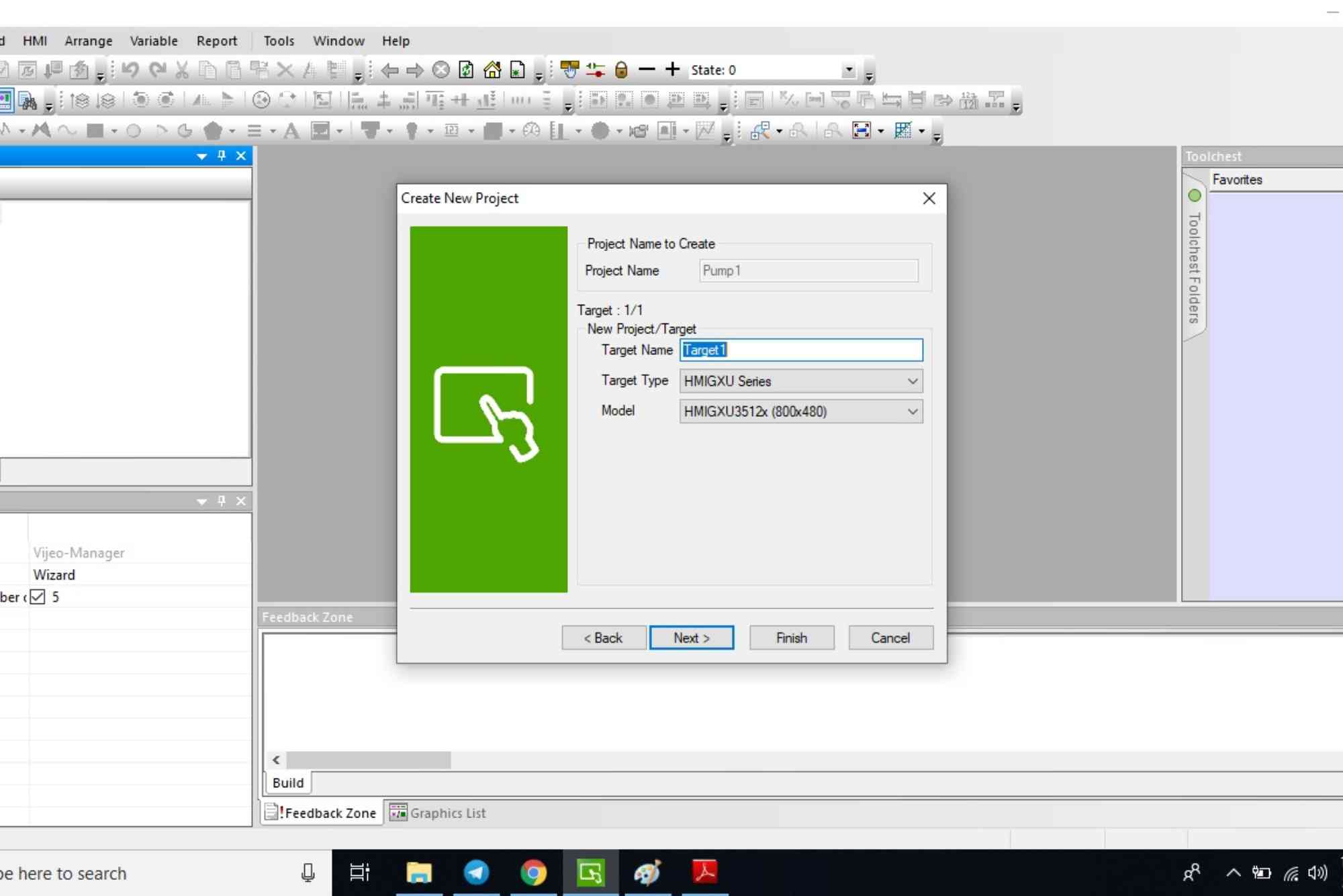
In today’s automated world, industrial Human Machine Interface (HMI) systems play a vital role in controlling processes efficiently. Schneider Electric’s Vijeo Designer software is a widely adopted solution for developing, deploying, and managing HMI applications. A crucial part of this ecosystem is the Vijeo Designer Runtime License, which enables the runtime environment on operator panels and industrial PCs.
This guide walks you through everything you need to know about setting up the Vijeo Designer Runtime License for industrial applications—from installation to activation—while keeping clarity, compliance, and reliability in focus.
What Is a Vijeo Designer Runtime License?
A Vijeo Designer Runtime License enables the execution of applications built with Vijeo Designer on supported hardware. Without this license, runtime functionality is restricted, preventing full HMI operation. The license is essential for any industrial setup relying on Schneider Electric’s Magelis or Harmony HMI panels and PC-based solutions.
Why Is the Runtime License Important in Industrial Applications?
Licensing ensures that the software runs legally and fully functional on each target device. In industrial environments, downtime due to unlicensed or expired software can lead to significant losses. Ensuring your Vijeo Designer Runtime License is correctly set up protects your system’s stability, legal compliance, and long-term scalability.
System Requirements and Compatibility
Before installing your runtime license, it’s important to confirm system compatibility. Vijeo Designer supports a range of Schneider Electric hardware, including:
- Harmony GTO/GXU series HMIs
- Magelis industrial PCs
- Windows-based platforms for PC Runtime
Always verify the device’s firmware version and ensure it matches the runtime license you are purchasing or activating.

How to Set Up the Vijeo Designer Runtime License
Installation of Vijeo Designer Software
Start by installing the full Vijeo Designer development environment on your engineering workstation. This is where you’ll develop and configure your HMI project. The runtime environment is then deployed to your HMI device.
- Download the latest version from Schneider Electric’s official website.
- Follow the setup instructions, selecting required components.
- Restart the system to complete installation.
Deploying the Runtime Application
Once your application is built, it’s time to deploy it:
- Connect your target HMI device to the development PC.
- Use the “Download to Target” option in Vijeo Designer.
- Ensure the runtime files are properly transferred.
At this stage, if the runtime license is not activated, the device will either run in demo mode or prompt for activation.
Activating the Vijeo Designer Runtime License
To activate the license:
- Obtain the runtime license file from your Schneider distributor.
- Access the HMI or industrial PC’s licensing portal (usually via USB key or embedded license manager).
- Load the license file onto the device.
- Restart the device to apply the license.
Some licenses use hardware dongles, while others are software-locked to the device. Follow the exact method based on the license type purchased.
Troubleshooting Common Licensing Issues
Even with proper setup, runtime licenses can run into issues. Here are some quick fixes:
License Not Detected
- Check USB ports for dongle recognition.
- Reinstall license manager software.
Expired License Warning
- Contact your distributor for renewal options.
- Verify your license duration (some are perpetual; others are time-bound).
Mismatched Versions
- Ensure your Vijeo Designer project version matches the runtime version.
- Update firmware if needed for compatibility.
Best Practices for Managing Runtime Licenses
To avoid operational disruptions:
- Keep a backup of your license files. This is especially important for software-based licenses.
- Label your license keys clearly for inventory management.
- Track license expirations and updates in a centralized log.
- Test licenses on backup devices before deploying to production.
Following these steps ensures continuity and legal compliance in all industrial applications using Vijeo Designer.
Real-World Applications of Vijeo Designer Runtime Licenses
Industries such as manufacturing, water treatment, food processing, and energy rely heavily on Vijeo Designer for visualizing data and controlling machinery. For example, a water treatment plant might use Vijeo Designer HMI panels to monitor pH levels and pump activity. The runtime license enables operators to see live process data, interact with alarms, and modify setpoints—all from a centralized interface.
These environments demand stability and reliability, making proper license management a critical task.
Secure Your Industrial HMI Setup
Setting up the Vijeo Designer Runtime License correctly is not just a technical requirement—it’s a foundational step in creating a robust and legally compliant industrial control system. Whether you’re running an automated production line or managing a large-scale energy facility, ensuring your runtime environment is licensed and functional is non-negotiable.
Ready to streamline your HMI deployment? Reach out to your Schneider Electric distributor or system integrator today to get your runtime license and keep your systems running smoothly.
Frequently Asked Questions (FAQs)
What is the purpose of the Vijeo Designer Runtime License?
The license enables full runtime functionality on an HMI or industrial PC. Without it, your project may run in demo mode or fail to start.
How do I know if my runtime license is active?
You can check license status via the HMI system’s license manager. A valid license shows as “active” or “valid” in the tool.
Can I transfer the license to another device?
Hardware dongles can often be moved between devices. Software licenses are typically locked to one device and require reactivation if moved.
What happens if the license expires?
Your runtime application may stop functioning, or it may enter demo mode. It’s crucial to renew before expiration to avoid downtime.
Is internet access required to activate the license?
Not always. Offline activation via USB or file transfer is supported for industrial environments without internet access.












