
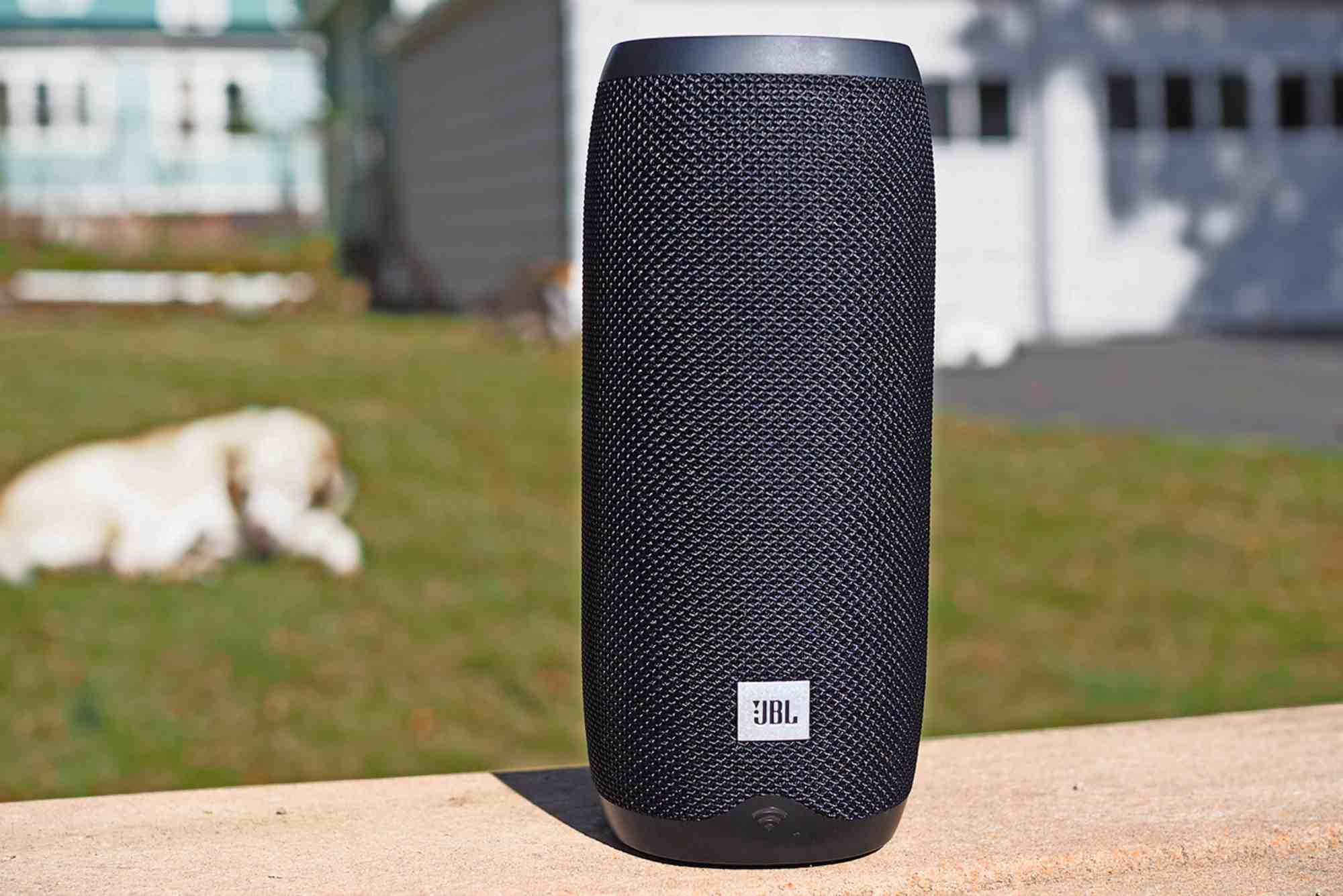
JBL with Google Home: The Ultimate Sound and Smart Home Experience
In today’s world, smart homes are no longer a luxury—they are a lifestyle. Pairing JBL with Google Home elevates your home entertainment and smart home controls to a whole new level. Imagine immersive, room-filling sound combined with the convenience of voice-activated commands. Whether you want to play your favorite music, control smart devices, or ask for daily updates, this integration provides a seamless and enjoyable experience.
Why Choose JBL with Google Home
Superior Sound Quality
JBL is renowned for delivering crisp highs, deep bass, and balanced mid-tones. When paired with Google Home, it ensures every command and audio playback is both clear and immersive. You get a cinema-like audio experience at home, perfect for music, podcasts, and streaming movies.
Hands-Free Convenience
Google Home offers hands-free control through voice commands. When connected to JBL speakers, you can effortlessly:
- Play songs from Spotify, YouTube Music, or other streaming services.
- Adjust volume or switch playlists without touching your phone.
- Control multiple smart devices simultaneously.
This combination simplifies daily routines and brings true smart living into your home.
Setting Up JBL with Google Home
Connect Your Devices
Start by connecting your JBL speaker to Wi-Fi and ensuring it’s compatible with Google Home. Most modern JBL models, like JBL Link and JBL Pulse series, work seamlessly.
Open Google Home App
Open the Google Home app on your smartphone. Tap “Add Device” and select your JBL speaker from the list of available devices.

Complete Setup
Follow the on-screen instructions to complete the setup. Once done, you can immediately start using voice commands to control music, check the weather, or even manage smart home gadgets.
Features You’ll Love
Voice-Controlled Music
Ask Google Home to play songs, albums, or playlists directly on your JBL speaker. Voice commands make it easy to enjoy music without searching manually.
Multi-Room Audio
You can connect multiple JBL speakers to create a multi-room setup. This ensures synchronized audio throughout your home, perfect for parties or immersive movie nights.
Smart Home Integration
Pairing JBL with Google Home allows you to control smart lights, thermostats, and other connected devices. You can even automate routines, like dimming lights while playing relaxing music.
Hands-Free Calls and Announcements
Some JBL speakers with Google Home support hands-free calls. You can also broadcast messages across your home using the speaker system.
Tips for the Best Experience
Optimal Placement
Place your JBL speaker in a central location for balanced sound distribution. Avoid corners to prevent sound distortion.
Update Firmware
Regularly check for updates in the Google Home app to ensure your JBL speaker has the latest features and performance improvements.
Use Routines
Create custom Google Home routines to automate daily tasks, such as morning news briefings or evening relaxation music playlists.
Common Issues and Troubleshooting
Connectivity Problems
If your JBL speaker fails to connect, restart both the speaker and your Wi-Fi router. Ensure your devices are on the same network.
Voice Commands Not Recognized
Check microphone settings on Google Home and reduce background noise. Clear, concise commands work best.
Streaming Issues
Make sure your streaming service is linked in the Google Home app. Reauthorize the account if playback fails.
Benefits of Combining JBL with Google Home
Enhanced Audio Experience
You enjoy JBL’s premium sound quality while seamlessly controlling it through Google Home. Music, podcasts, and movies become more engaging.
Increased Productivity
Hands-free control lets you manage smart devices, check schedules, or set reminders while performing other tasks.
Convenience and Comfort
Voice control and automation make your daily life simpler and more comfortable. Turn your home into a smart living environment effortlessly.
Pairing JBL with Google Home transforms any space into a smart entertainment hub. You gain premium sound, hands-free convenience, and seamless smart home integration in one package. Whether you’re a music lover, a tech enthusiast, or someone seeking home automation, this combination delivers exceptional value.
FAQs
Q1: Can I connect any JBL speaker to Google Home?
A: Most modern JBL speakers, especially JBL Link and Pulse series, are compatible. Always check the model specifications.
Q2: How do I set up JBL with Google Home?
A: Use the Google Home app, select “Add Device,” and follow the instructions to pair your speaker.
Q3: Can I use voice commands for smart home devices with JBL speakers?
A: Yes, once connected to Google Home, you can control lights, thermostats, and other smart devices.
Q4: Can multiple JBL speakers be connected for multi-room audio?
A: Absolutely. Google Home allows you to sync multiple JBL speakers for a whole-home audio experience.
Q5: What streaming services work with JBL and Google Home?
A: Services like Spotify, YouTube Music, Pandora, and Google Play Music work seamlessly with voice commands.












