
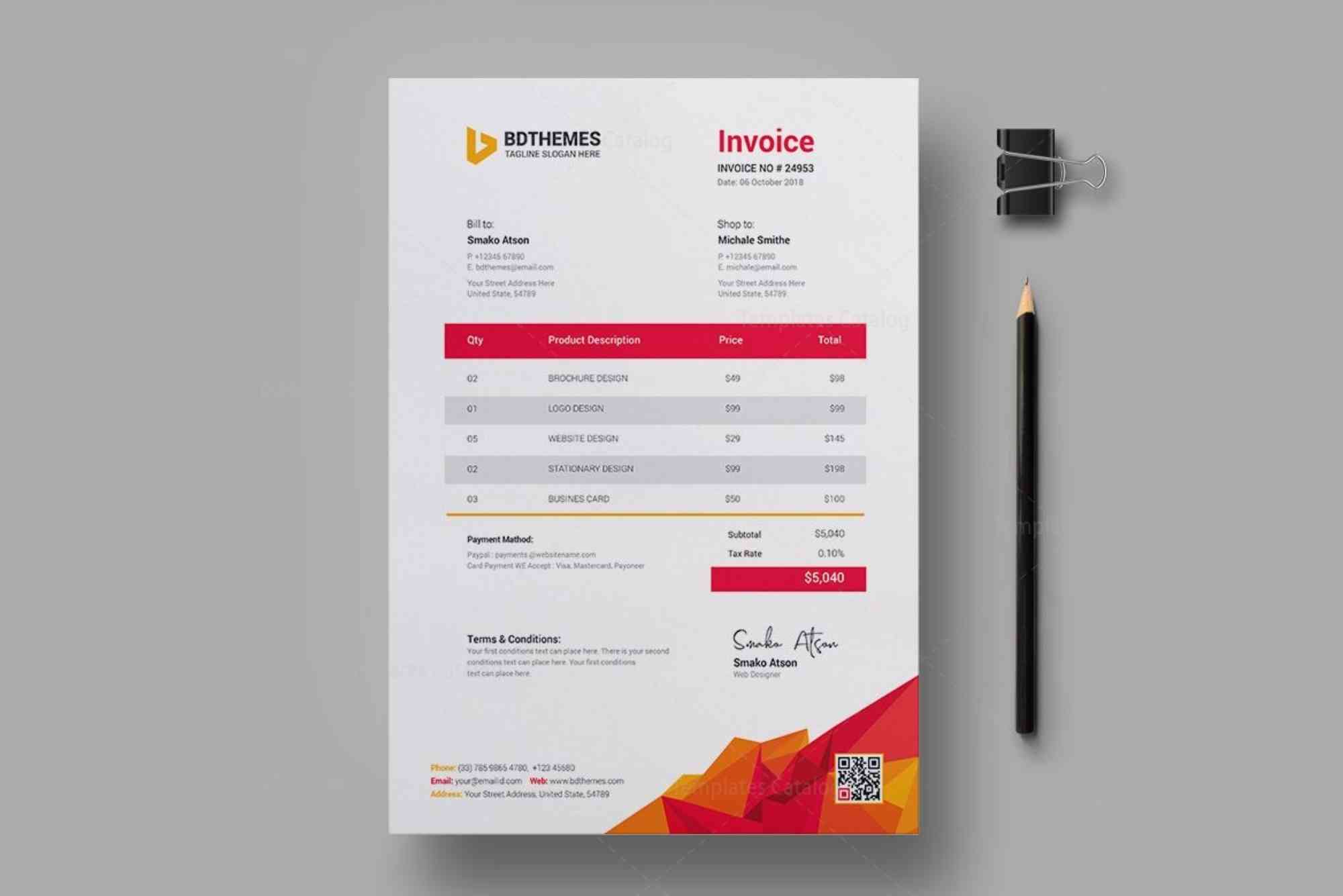
Creating an Education Invoice Template That Works
Managing finances is a vital part of running any educational institution, tutoring service, or academic consultancy. Among the most essential tools in this process is a well-designed education invoice template. Whether you’re a private tutor, a school administrator, or an online course provider, having a professional and functional invoice system can significantly streamline your billing processes and enhance client trust. In this guide, we’ll explore how to create an education invoice template that truly works — one that ensures clarity, accuracy, and professionalism.
Why a Good Education Invoice Template Matters
Invoices are more than just bills. They are official records of services rendered, payments requested, and tax compliance documentation. In the education sector, invoices play a critical role in maintaining transparency between service providers and parents or students. A disorganized or incomplete invoice may result in delayed payments, confusion, or even legal complications. Therefore, having a well-structured education invoice template helps you avoid errors, saves time, and maintains a professional image.
Key Elements of an Effective Education Invoice Template
Header and Branding
The top section of your invoice should reflect your institution’s identity. Include your school or tutoring service’s name, logo, and contact details. This not only enhances trust but also makes it easier for clients to recognize your invoice among many others. Ensure the invoice has a clear title, such as “Tuition Invoice” or “Education Services Invoice,” to specify its purpose.
Unique Invoice Number
Each invoice must carry a unique reference number for tracking. This is crucial for record-keeping, especially when dealing with multiple students or clients. A sequential numbering system, such as INV-2025-001, ensures no invoice is lost or duplicated.
Date of Issue and Due Date
Always mention when the invoice was created and when the payment is due. This clarifies timelines and sets expectations, reducing the chances of overdue payments. Standard payment terms in education services range from 7 to 30 days depending on your policy.
Student or Client Information
Include the name, contact details, and if applicable, the student ID or parent information. This ensures that the invoice is directed to the correct recipient and is especially useful when sending multiple invoices in bulk.

Description of Services
The heart of your education invoice template is the service description. Break down the services provided, such as “Mathematics Tutoring – 4 sessions,” “Monthly Tuition Fee,” or “Enrollment Fee.” Be specific and detailed, including the date range or hours if necessary.
Rate and Cost Breakdown
Each service should have a corresponding unit cost, number of sessions or hours, and a total line item. This gives transparency to the client and justifies the final amount. At the bottom, include subtotal, tax (if applicable), discounts, and the grand total.
Payment Methods
Clarify accepted payment methods like bank transfer, cash, online payment gateways, or mobile wallets. Providing multiple options makes it easier for clients to pay promptly. If you offer online payments, include a clickable payment link or QR code.
Terms and Conditions
This section should explain late payment penalties, refund policies, or special notes. For example, “A late fee of 5% will be applied after 10 days past due date.” This preempts potential disputes and ensures clients are aware of your policies.
Thank You Note
Though optional, adding a polite thank you message fosters goodwill. A simple line like “Thank you for choosing our services” can enhance customer satisfaction and professionalism.
Customizing Your Education Invoice Template for Different Scenarios
For Schools and Colleges
Institutions that charge fees for semesters or terms often deal with multiple charges — tuition, library fees, examination charges, etc. Your invoice template should support itemized billing and provide fields for installment payments, scholarships, or sibling discounts.
For Private Tutors
Tutors often charge by the hour or per session. Your template should include flexible time entries, hourly rates, and the ability to track multiple subjects for one student. Adding notes on progress or topics covered can add value and transparency.
For Online Course Providers
Online educators might sell courses as one-time purchases or subscriptions. Include digital services like eBooks, course access, and optional add-ons. Also, ensure the invoice can be automatically generated and sent upon enrollment.
For Educational Consultants
Consultants charge for advisory sessions, application reviews, or training programs. Your invoice should be adaptable to both hourly and fixed-fee structures. Include a section for project scope and client notes.
Digital Tools to Create Education Invoice Templates
Creating an invoice manually using Word or Excel is possible, but today, digital tools offer greater ease and automation. Software like QuickBooks, Zoho Invoice, and Wave provide education-specific templates you can customize. These tools allow recurring billing, automated reminders, and tax calculations. For those who prefer a simple option, Google Docs or Google Sheets also offer flexible templates.
Using cloud-based tools ensures data is saved and easily accessible, which is ideal for schools managing hundreds of students. These platforms often offer integration with accounting systems, making financial reporting smoother.
Best Practices When Using an Education Invoice Template
Keep your templates consistent across all departments or clients. This not only improves branding but also simplifies training for staff. Always double-check the numbers before sending an invoice to avoid errors. Consider sending invoices at a regular schedule, such as the 1st of each month, to maintain routine.
Use clear, polite language throughout. Avoid jargon that might confuse parents or clients. Where applicable, translate your invoice into the local language to accommodate non-native English speakers. Lastly, store all invoices securely, digitally or physically, for compliance and tax filing purposes.
How an Education Invoice Template Boosts Your Professional Image
An organized invoice reflects your attention to detail and commitment to professionalism. It demonstrates that you value transparency and clarity. Clients are more likely to pay on time when they receive a clean, well-laid-out invoice. Moreover, a template that’s aligned with your brand builds trust and distinguishes your service from competitors.
Having a reliable invoicing system also reduces administrative workload. Teachers and admins can focus more on core responsibilities rather than chasing payments. In the long run, a solid invoicing practice improves your financial stability and operational efficiency.
Common Mistakes to Avoid
Avoid vague service descriptions like “education services” or “tuition.” Be specific so the client knows exactly what they are paying for. Don’t forget to include tax information if your region requires it. Also, avoid overloading your invoice with too much detail — balance clarity with brevity.
Another common mistake is forgetting to follow up. Even with the best invoice, some payments might be delayed. Set automated reminders or have a system in place to check outstanding invoices regularly. Lastly, not keeping a backup of invoices can be risky. Use cloud storage or accounting software to maintain a safe record.
Frequently Asked Questions
What should be included in an education invoice template?
An education invoice template should include your organization’s name and logo, invoice number, issue and due dates, client or student information, detailed list of services provided, individual rates, total amount, payment options, and terms and conditions. A thank-you note and optional notes or policies can also be included.
How do I create a simple invoice for tuition?
To create a simple tuition invoice, start with a header containing your name or institution, then list the student’s name, the tuition period, the amount due, and payment instructions. Use Excel, Word, or an online invoicing tool to format the details neatly and professionally.
Can I use Excel or Google Sheets for education invoices?
Yes, both Excel and Google Sheets are excellent tools for creating customized education invoice templates. They allow easy calculation of totals, taxes, and discounts using formulas. You can also save them as PDFs and email them directly to clients.
Is it necessary to add tax details in the invoice?
If your region’s laws require educational services to include taxes like VAT or GST, you must add tax details to your invoice. Even if exempt, it’s a good practice to clarify this on the invoice for transparency.
Are there free templates for education invoices?
Yes, many free education invoice templates are available online through platforms like Microsoft Office, Google Docs, Canva, and invoicing software like Zoho or Wave. These templates are often customizable and suitable for various educational services.
Creating an education invoice template that works isn’t just about formatting — it’s about ensuring professionalism, clarity, and efficiency in your financial operations. A well-structured invoice reduces confusion, builds client trust, and helps you get paid faster. Whether you’re running a large educational institution or offering one-on-one tutoring, the right invoice template can make all the difference. Ready to streamline your billing process? Start building your custom education invoice template today using the best practices outlined in this guide.












