
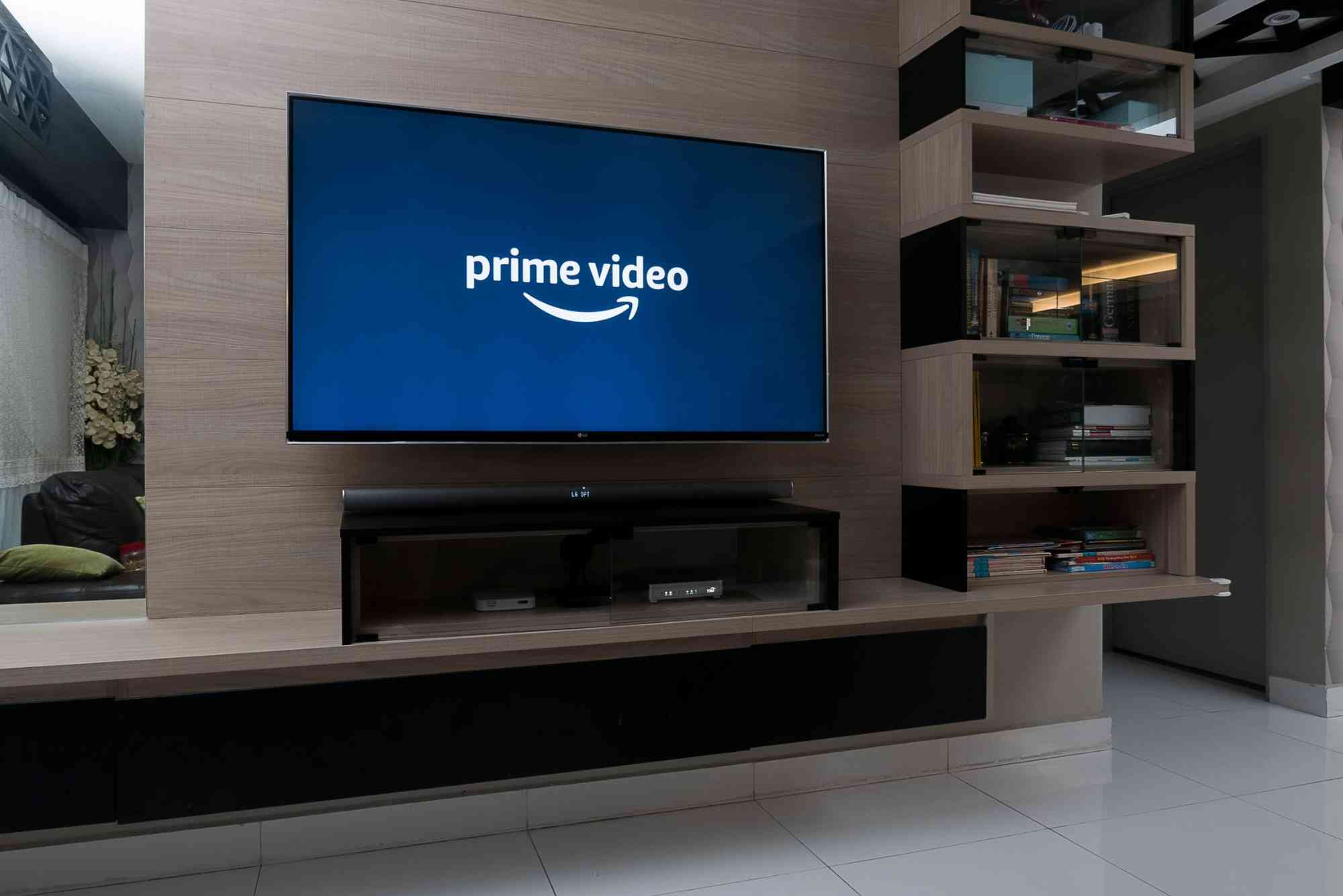
Prime Video Registration Code: Activate Your Streaming Access
If you’ve recently subscribed to Amazon Prime Video or received a new streaming device, you might have encountered the term prime video registration code. This code is your gateway to unlocking unlimited movies, TV shows, and exclusive Amazon originals on your device. But what exactly is it, and how do you use it to activate your streaming access? In this guide, we’ll walk you through everything you need to know about the Prime Video registration code, from where to find it to step-by-step activation instructions.
Understanding this process will help you start enjoying your favorite content faster and with less frustration.
What Is a Prime Video Registration Code?
A prime video registration code is a unique alphanumeric code generated by the Prime Video app on your streaming device. Its purpose is to link your device to your Amazon Prime account securely. When you enter this code on the official Prime Video activation website, Amazon verifies your subscription and grants your device access to the streaming library.
This code acts as a bridge between your Amazon account and your device, confirming that you have the right to access Prime Video content on that specific screen.
Why Do You Need the Prime Video Registration Code?
Many streaming devices—like smart TVs, streaming sticks (Fire Stick, Roku), gaming consoles, and Blu-ray players—don’t allow direct login by entering your email and password. Instead, they display a registration code on the screen.
This method simplifies the login process, especially on devices where typing can be cumbersome. It also adds an extra layer of security since you enter your credentials on a separate, trusted device like your phone or computer.

How to Find Your Prime Video Registration Code
Locating your prime video registration code is simple once you know where to look. Typically, when you launch the Prime Video app on your device, you’ll be prompted to sign in or activate your device. The app then displays the registration code prominently on your TV screen.
If you don’t see the code immediately, look for an option like “Sign In,” “Activate Device,” or “Register.” Selecting this should generate your unique code.
Guide to Activate Prime Video Using the Registration Code
Open the Prime Video App on Your Device
Start by launching the Prime Video app on your smart TV, streaming stick, or other compatible device. You’ll usually be greeted with a screen prompting you to sign in or activate the device.
Note the Registration Code Displayed
A 6 to 8-character code will appear on the screen. Write it down or keep your device screen visible.
Visit the Prime Video Activation Website
Using a smartphone, tablet, or computer, open a web browser and go to primevideo.com/mytv or amazon.com/mytv.
Sign In to Your Amazon Account
Log in using the email address and password associated with your Amazon Prime subscription.
Enter the Registration Code
Input the registration code displayed on your device screen into the designated field on the website.
Confirm Activation
Click on the “Activate” or “Register” button. The website will verify the code and link your device to your Prime Video account.
Start Streaming
Return to your device’s Prime Video app. It should automatically refresh and grant you full access to the streaming library.
Troubleshooting Common Registration Code Issues
Sometimes, you might run into trouble when using the prime video registration code. Here are some common problems and how to fix them:
- Code Expired or Invalid: Registration codes typically expire after a short time. If your code doesn’t work, request a new one by restarting the app or selecting the option to generate a new code.
- Internet Connection Problems: Ensure your device is connected to a stable internet connection. Without it, the activation won’t complete.
- Incorrect Code Entry: Double-check the characters. The code is case-sensitive and must be entered exactly as shown.
- Amazon Account Issues: Confirm that your Amazon Prime subscription is active and you’re using the correct account credentials.
If problems persist, restarting your device or reinstalling the Prime Video app can help.
Devices That Use Prime Video Registration Codes
Almost all smart TVs from major brands, streaming devices like Amazon Fire Stick, Roku, Apple TV, gaming consoles such as PlayStation and Xbox, and even some Blu-ray players require this registration code process. It’s a universal method Amazon uses to secure streaming access across various platforms.
Tips for a Smooth Activation Experience
For the best experience, keep these pointers in mind:
- Use a computer or smartphone to enter the code rather than the streaming device itself, as typing is easier.
- Have your Amazon account login details handy.
- Make sure your device software and Prime Video app are up to date.
- Don’t close the Prime Video app on your streaming device while activating.
- If you switch devices often, sign out of Prime Video on old devices to avoid conflicts.
Why Prime Video Registration Code Activation Is Secure
This code system enhances security by separating the login process from the streaming device. Instead of entering sensitive credentials on your TV or stick, you use a secure browser environment on your phone or computer.
Amazon can also control device access better, quickly revoking or updating permissions if needed. This protects your account and personal information from unauthorized use.
Get Started with Your Prime Video Registration Code Today
The prime video registration code is your key to enjoying one of the largest streaming libraries worldwide. By following the simple activation steps, you can connect any supported device to your Amazon Prime account and dive into thousands of hours of entertainment.
Don’t let a confusing setup screen hold you back. Use this guide to get your device registered quickly and securely. If you haven’t subscribed yet, now is a perfect time to join millions of viewers and experience Prime Video’s exclusive content.
Ready to start streaming? Grab your device, get your registration code, and activate your Prime Video account today!
FAQs
How do I get a Prime Video registration code?
Open the Prime Video app on your device. When prompted to sign in, a registration code will appear on your screen.
Where do I enter the Prime Video registration code?
Visit primevideo.com/mytv or amazon.com/mytv on a browser and sign in with your Amazon account. Then enter the code in the provided field.
What if my Prime Video registration code is not working?
Ensure the code is entered correctly and hasn’t expired. Check your internet connection and try generating a new code by restarting the app.
Can I use the same registration code on multiple devices?
No. Each device generates its own unique code to link to your Amazon account.
Do I need an Amazon Prime subscription to activate Prime Video?
Yes, an active Amazon Prime subscription or Prime Video membership is required to access content after activation.












