
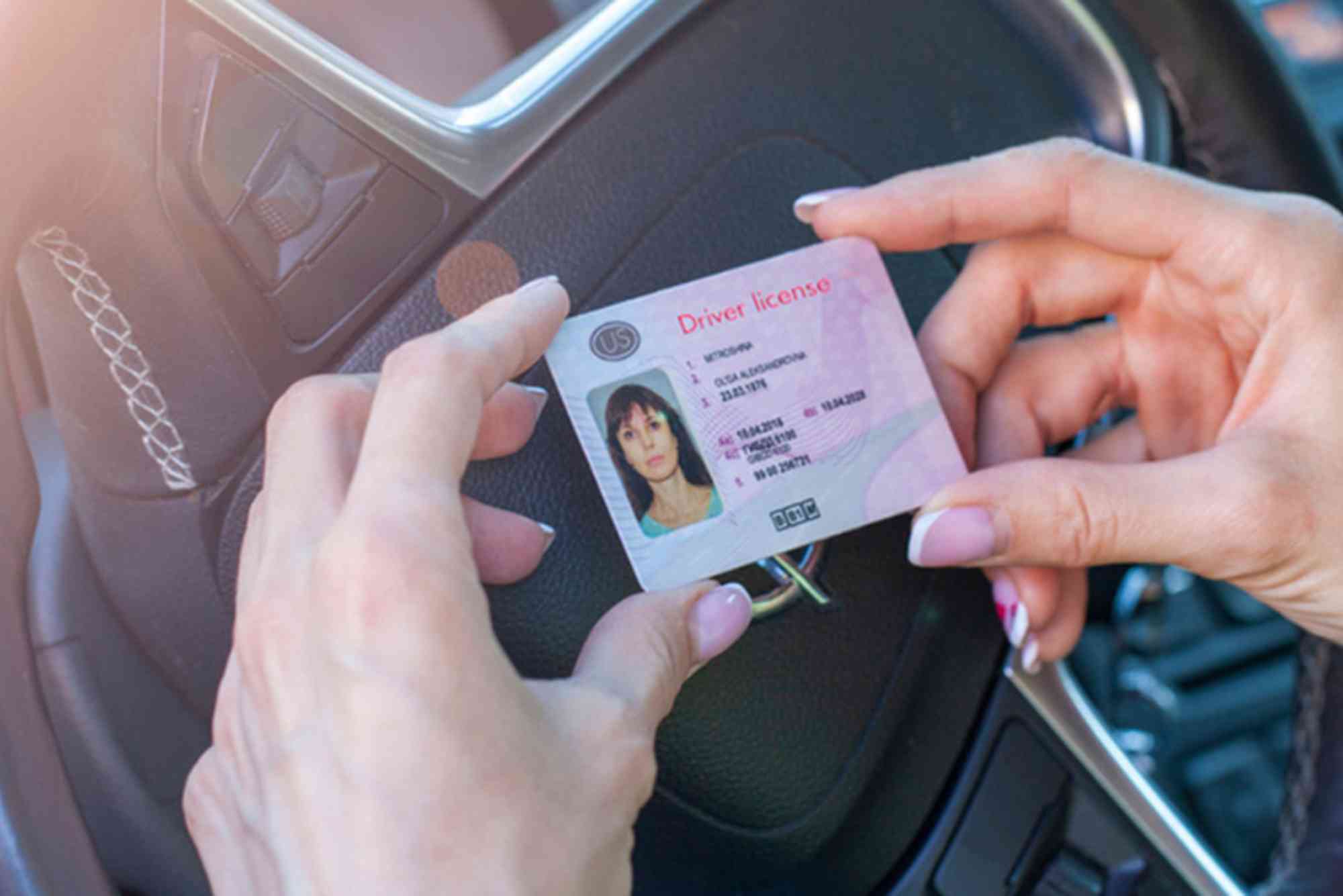
MOI Driving License: How to Apply, Renew, and Check Status
If you’re planning to drive legally in the UAE, understanding how the MOI driving license process works is crucial. Whether you’re applying for the first time, renewing your license, or simply checking your license status, the Ministry of Interior (MOI) has made everything more accessible with online systems. This comprehensive guide explains how to apply for a MOI driving license, how to renew it, and how to check your status without hassle.
The MOI driving license process is streamlined through digital services offered on the MOI UAE website and mobile app. This has simplified what used to be a long and bureaucratic journey, making it convenient for both citizens and expatriates to manage their license affairs online. Let’s walk through each of the essential steps you need to take.
Understanding the MOI Driving License
The MOI driving license is the official permit issued by the Ministry of Interior, allowing you to drive legally within the United Arab Emirates. It’s a vital document not just for daily commuting but also for employment in various fields. The MOI coordinates with traffic departments across the UAE to maintain a central system for driving records, licensing, and penalties.
Driving licenses are issued by the respective emirate’s traffic authority, but they are connected under the MOI umbrella. Therefore, regardless of where your license is issued — Dubai, Abu Dhabi, Sharjah, or any other emirate — you can manage it through the MOI platform.
How to Apply for a MOI Driving License
Eligibility and Requirements
To apply for a MOI driving license, you must meet the age criteria:
- 17 years and 6 months for motorcycles
- 18 years for light vehicles
- 20 years for heavy vehicles and tractors
You’ll also need the following:

- Emirates ID
- Passport-size photos
- Eye test certificate from an authorized clinic
- Residency visa copy
- Sponsor’s no-objection certificate (if required)
Steps to Apply
The MOI offers both online and in-person services. For most applicants, it’s advisable to begin with a registered driving institute. Here’s the general process:
Register at a licensed driving school in your emirate. Submit the required documents, including Emirates ID and visa. The school will help schedule your eye test.
After passing the eye test, start your theoretical classes. These cover UAE traffic rules, safety guidelines, and road signs. The classes are mandatory before taking the theory exam.
Book and pass your theory test through the school or MOI portal. The test is typically computer-based and available in multiple languages.
Once you pass the theory test, you’ll start practical driving lessons. The number of lessons depends on your experience and prior driving license (if any). First-time drivers usually undergo 20–40 hours of training.
After completing your driving lessons, you’ll take the internal assessment tests and then the final road test. You must pass all components to obtain the license.
Once you pass the final road test, your driving license will be issued by the traffic authority. You can track its status through the MOI website or app.
How to Renew Your MOI Driving License
Driving licenses in the UAE are valid for 2 years for first-time expats and 10 years for UAE/GCC nationals. Renewal is essential to avoid fines and legal issues.
Renewal Eligibility
You can renew your license within 6 months before the expiry date. Ensure that you have no outstanding traffic fines, and your eye test is up to date.
Documents Required
- Emirates ID (valid)
- Latest eye test certificate
- Old driving license
- Passport-size photo (if needed)
Steps to Renew
First, complete an eye test at any MOI-approved optician or vision center. Your results will be uploaded to the MOI system.
Log in to the MOI UAE website or mobile app using your Emirates ID. Navigate to the “Driving License Services” section and select “Renew Driving License.”
Pay any outstanding fines linked to your license. The system won’t allow renewal until all dues are cleared.
Once your record is clean, pay the renewal fee (usually AED 300). Payment can be made online using a debit or credit card.
After successful payment, you’ll receive a digital version of the renewed license instantly. You may also request a printed copy to be delivered or collected.
How to Check MOI Driving License Status
Checking the status of your license is easy and can be done in minutes using MOI’s digital platforms.
Checking via MOI Website
Visit the official MOI website (moi.gov.ae) and choose your language. Go to the “Traffic and Licensing Services” section and select “Driver’s License Status.” Enter your Emirates ID number or driving license number. You’ll be shown the current status — active, expired, suspended, etc.
Checking via MOI App
Download the MOI UAE app from Google Play or Apple App Store. Sign in with your UAE Pass or Emirates ID. Navigate to “My Documents” or “License Services.” The app shows license details, issue and expiry dates, traffic fines, and renewal eligibility.
This method is especially helpful if you’re pulled over or need to confirm your eligibility for services.
Benefits of Using MOI Services for Driving Licenses
Using MOI’s official digital services offers several advantages. You get real-time updates on your license and fines without visiting any office. The system also ensures integration across all emirates, so you can manage everything from one account.
Whether you’re a resident of Abu Dhabi or Dubai, you can apply, renew, and check your driving license from the same portal. This unified system supports road safety and ensures that only eligible drivers stay on the road.
Digital services also help reduce human error and speed up the process. You can complete tasks that used to take days in just a few minutes.
Common Issues and Solutions
If you find that your driving license status is not updating, it may be due to pending fines or system syncing delays. Make sure all dues are paid and give the system up to 24 hours to reflect changes.
Sometimes, the app or website may not recognize your Emirates ID. This could be due to expired ID or incomplete profile registration. Update your details on the UAE Pass app and try again.
In cases where you fail your driving test multiple times, you may be asked to take additional training sessions. Listen to your instructor’s feedback and practice before retesting.
Managing your MOI driving license has never been easier. With digital access provided by the Ministry of Interior, residents and citizens can apply, renew, and check their license status within minutes. The key is to stay informed and use the right platforms to ensure a smooth experience.
Whether you are a first-time driver or an experienced resident, taking proactive steps — like clearing fines and updating your eye test — will help you maintain a valid driving license without complications.
FAQs
What is the MOI driving license process in the UAE?
The MOI driving license process includes registration at a driving school, passing theory and practical tests, and applying through the MOI platform. You must meet age and residency requirements.
How can I check the status of my driving license online?
You can check your driving license status by visiting the MOI website or using the MOI app. Log in with your Emirates ID or license number to view status updates.
Can I renew my license before it expires?
Yes, you can renew your driving license up to six months before the expiry date. Ensure your eye test is up to date and that all fines are paid before starting the process.
How much does it cost to renew a MOI driving license?
The typical renewal fee is AED 300 for light vehicle licenses. Additional charges may apply if you request home delivery or physical card printing.
What if my MOI driving license is expired?
If your license has expired, you can still renew it, but you might have to pay late fees. It’s important to renew on time to avoid legal penalties and traffic fines.












