
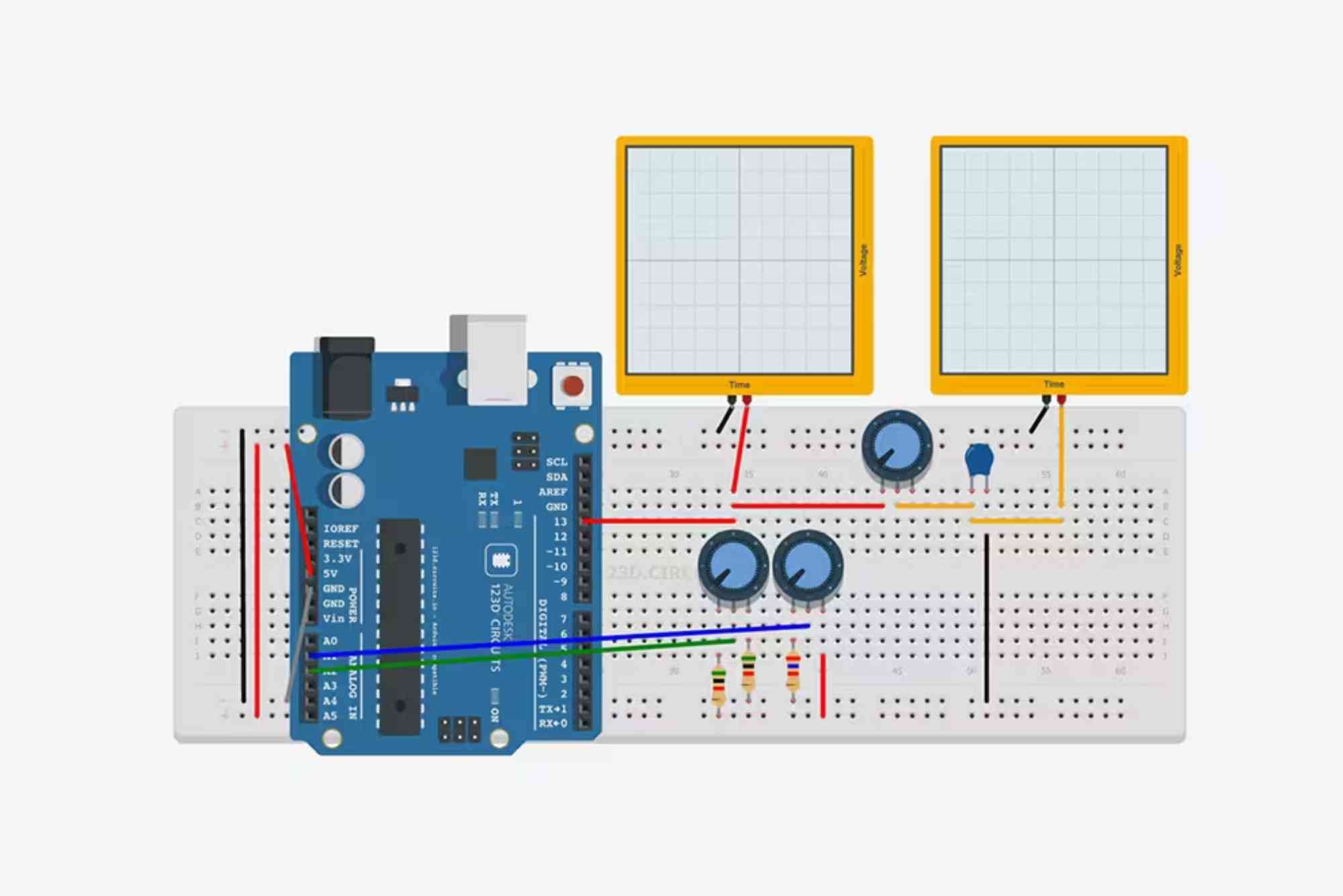
Top Circuit Layout Software for Engineers and Designers
In the world of electronics, precision and creativity go hand in hand. Every great electronic device—from smartphones to medical equipment—starts with an intelligent and well-structured circuit design. Choosing the right circuit layout software is essential for engineers and designers who want to turn their ideas into functional and reliable systems. Whether you are working on simple circuits or complex multilayer PCBs, having the right tools can make all the difference in terms of accuracy, productivity, and innovation.
Why Circuit Layout Software Matters
Circuit layout software is the backbone of modern electronic design. It helps engineers visualize, simulate, and optimize circuit boards before physical production. Instead of manually drawing and connecting each component, designers can rely on digital tools to automate repetitive tasks, detect errors, and enhance precision. This results in fewer design flaws, faster prototyping, and smoother collaboration across engineering teams.
For professionals and students alike, circuit layout software serves as a bridge between creativity and technology. These programs not only simplify the design process but also allow users to simulate real-world conditions, ensuring that every circuit performs exactly as intended.
Key Features to Look for in Circuit Layout Software
Before selecting a circuit layout software, it’s crucial to understand what features truly make a difference in your workflow. The best software should offer schematic capture, PCB layout design, component libraries, 3D visualization, and simulation tools. Integration with manufacturing processes, version control, and cloud-based collaboration are also important for professional teams.
Additionally, software with intuitive user interfaces and cross-platform compatibility ensures that both beginners and experts can work efficiently. Support for different file formats and integration with fabrication services can further streamline the design-to-production process.
Best Circuit Layout Software for Engineers and Designers
Altium Designer
Altium Designer is one of the most powerful and widely used circuit layout software platforms in the electronics industry. Known for its intuitive interface and advanced toolset, it provides a unified environment for schematic capture, PCB design, and 3D modeling. Engineers can easily collaborate through cloud-based projects, making it ideal for large teams and complex designs.

The software’s real-time synchronization between schematics and PCB layouts ensures accuracy and reduces human error. Altium Designer also supports extensive component libraries and design reuse, which helps engineers save valuable time.
Autodesk Eagle
Autodesk Eagle combines simplicity and functionality, making it a favorite among students, hobbyists, and professional engineers. It offers comprehensive schematic editing tools, PCB routing options, and a rich component library. With its intuitive drag-and-drop interface, users can easily design single or multilayer circuit boards.
One of Eagle’s biggest strengths is its integration with Fusion 360, Autodesk’s mechanical design platform. This allows engineers to work seamlessly between electronic and mechanical design, ensuring better alignment during product development.
KiCad
KiCad is a free, open-source circuit layout software that rivals many paid tools. It provides robust features for schematic capture, PCB layout, and 3D visualization. The open-source nature of KiCad means it is continuously improved by a global community of developers and engineers.
It’s an excellent choice for students, startups, and professionals who want advanced capabilities without subscription costs. KiCad supports multi-layer boards, hierarchical schematics, and custom footprint creation, making it both flexible and powerful.
OrCAD PCB Designer
OrCAD PCB Designer is trusted by many large-scale engineering firms for its accuracy and simulation capabilities. It excels at handling complex circuit designs with a high density of components. Its strong integration with simulation tools like PSpice allows users to analyze circuit behavior before moving to production.
The software’s advanced routing algorithms and real-time error checking features ensure that designs meet high-quality standards. OrCAD is particularly suitable for engineers working on mission-critical applications such as automotive, aerospace, and medical devices.
Proteus Design Suite
Proteus is another versatile circuit layout software widely used for both design and simulation. It enables engineers to create virtual prototypes by simulating microcontrollers, sensors, and other electronic components. This feature helps users test designs before physical assembly, saving time and cost.
Its straightforward user interface and support for embedded system simulation make Proteus ideal for students and educators. However, it is also powerful enough for professionals working on integrated system designs.
EasyEDA
EasyEDA is a web-based circuit layout software that brings accessibility and collaboration to the forefront. Since it runs in the browser, users can design circuits from any device without installing software. It supports schematic capture, PCB design, and simulation in one platform.
The software integrates directly with component suppliers like LCSC and manufacturing services such as JLCPCB, allowing engineers to go from design to production seamlessly. Its easy sharing features also make it an excellent choice for remote teams.
DipTrace
DipTrace offers a user-friendly environment that balances simplicity and functionality. It includes schematic capture, PCB layout, 3D preview, and manufacturing file export. DipTrace supports both beginners and experts by offering guided wizards and customizable templates.
One notable feature is its intelligent routing engine, which minimizes crossovers and ensures clean, professional layouts. It also provides compatibility with multiple file formats, making it suitable for collaborative projects across different software platforms.
Choosing the Right Circuit Layout Software for Your Needs
Selecting the ideal software depends on your specific goals, project complexity, and budget. For professional engineers working on advanced electronics, Altium Designer and OrCAD offer unmatched control and integration. For educators, students, and hobbyists, KiCad, EasyEDA, or Proteus provide cost-effective yet powerful solutions.
Consider factors like ease of use, simulation capability, and cloud collaboration when choosing. If your work involves mechanical integration, Autodesk Eagle might be the best fit. On the other hand, if open-source flexibility matters most, KiCad is an excellent choice.
Benefits of Using Circuit Layout Software
Using professional circuit layout tools provides numerous advantages. It helps engineers design with precision, reduce errors, and visualize circuits before fabrication. Many tools include design rule checks (DRC) and electrical rule checks (ERC) to detect issues early in the design process.
These programs also enhance productivity by automating routing and component placement. Collaboration features allow teams to work together in real time, reducing miscommunication. Additionally, simulation features enable virtual testing, preventing costly mistakes in physical prototypes.
Common Challenges in Circuit Layout Design
Despite the availability of advanced tools, circuit layout design can still present challenges. Managing complex multilayer boards, ensuring proper grounding, and minimizing noise interference require both skill and the right software support. Beginners may also struggle with understanding component libraries and routing techniques.
Fortunately, many modern circuit layout software programs include tutorials, community forums, and documentation to guide users. Continuous learning and experimentation remain essential for mastering the art of PCB design.
Future Trends in Circuit Layout Software
The evolution of circuit design software is rapidly influenced by artificial intelligence and cloud technology. AI-powered design assistance is helping engineers automate repetitive tasks, optimize layouts, and predict potential design flaws. Cloud-based tools enable seamless teamwork across different locations and devices.
Another growing trend is the integration of mechanical and electrical design platforms. As products become more compact and multifunctional, cross-domain collaboration between electrical and mechanical engineers becomes vital. Expect future software to focus more on 3D visualization, real-time simulation, and sustainability in electronic manufacturing.
The world of electronics is advancing faster than ever, and having the right circuit layout software can transform the way engineers and designers bring ideas to life. From open-source tools like KiCad to professional platforms such as Altium Designer and OrCAD, each offers unique strengths to fit different needs and expertise levels.
Choosing the best software depends on your goals, experience, and project scope. Whether you’re a student creating your first circuit or an engineer developing complex systems, investing time in mastering the right software will significantly enhance your design accuracy and efficiency.
FAQs
What is circuit layout software used for?
Circuit layout software is used to design, simulate, and test electronic circuit boards digitally before manufacturing.
Which circuit layout software is best for beginners?
KiCad, EasyEDA, and Autodesk Eagle are excellent options for beginners due to their intuitive interfaces and extensive tutorials.
Is KiCad better than Eagle?
KiCad is free and open-source, offering flexibility and community support, while Eagle provides better integration with Autodesk tools and professional manufacturing workflows.
Can circuit layout software simulate circuits?
Yes, most professional tools like Proteus, OrCAD, and Altium include simulation features that allow virtual testing of circuit performance.
What is the difference between schematic and layout design?
Schematic design involves connecting components logically, while layout design translates that schematic into a physical PCB structure with traces and layers.












